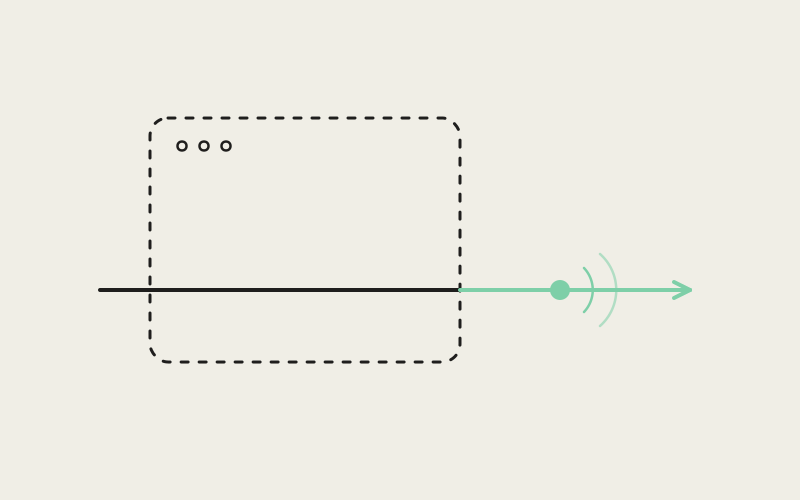
Running thirty coding agents in parallel across thirty different worktrees is only a good idea if you can walk away from your laptop — or ship a new build of Influxx — without gambling on whether any of them survive. For a long time, that was a real gamble: the terminal sessions behind every agent lived inside the same process as the window that displayed them, so closing the window closed the agent. We moved actual terminal hosting into a separate daemon process specifically to end that trade-off. Closing Influxx, or updating it, should never be the reason an overnight run comes back empty.
An Agent Running at 2 A.M. Doesn't Care About Your Release Schedule
The whole pitch of Influxx is that you shouldn't have to choose between switching tools and keeping context: one sidebar, one tab strip, thirty-some agent CLIs available in the same cockpit, each one working in its own isolated git worktree so they don't step on each other's changes. That only pays off if the agents can actually run unattended for as long as they need to — a refactor that takes forty minutes, a test suite that takes two hours, an agent chewing through a migration overnight while you sleep. None of that is worth setting up if closing your laptop lid, or us shipping a bug fix, is also the moment those sessions get torn down. An architecture that treats "the app is running" and "your agents are running" as the same fact is an architecture that eventually forces you to pick one.
Moving the PTY Out of the Application Process
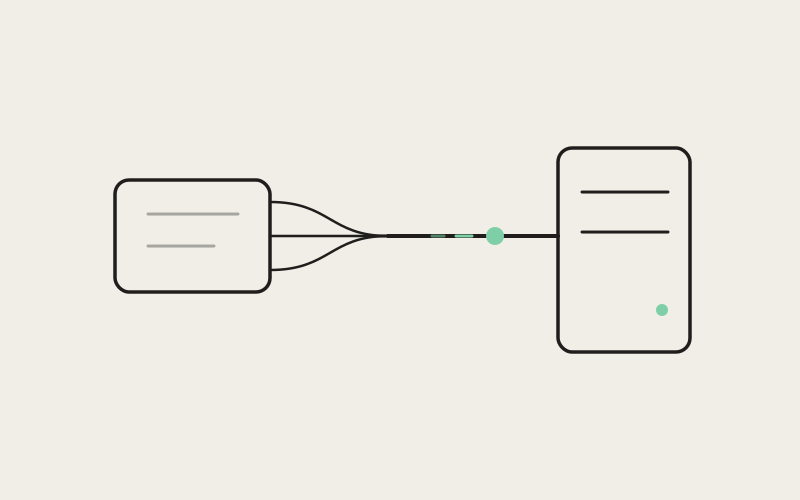
So we don't treat them as the same fact. Every terminal session in Influxx — the pseudo-terminal behind a Claude Code run, a Codex session, a Cursor or Copilot agent, a plain shell tab, any of it — is hosted by a separate daemon process, not by the main application itself. The app is a client: it renders the tab strip, the sidebar, the terminal surface you actually look at, and it talks to the daemon to attach to whichever sessions you have open. When you quit Influxx, or when an update replaces the app binary out from under it, the daemon doesn't quit with it. The PTYs it's holding onto, and the processes attached to them, just keep running, unaware that nobody's watching at the moment.
What the Daemon Actually Owns
Each session the daemon hosts carries a small amount of state that has to survive independently of any window:
- The PTY and its child process: the actual pseudo-terminal and the shell or agent CLI running behind it, kept alive regardless of whether any Influxx window is currently attached.
- A headless terminal emulator: a real terminal emulator runs for every session, but it never draws anything to a screen. Its only job is to track cursor position, scrollback content, and terminal modes, so the session's on-screen appearance can be reconstructed correctly whenever a window attaches.
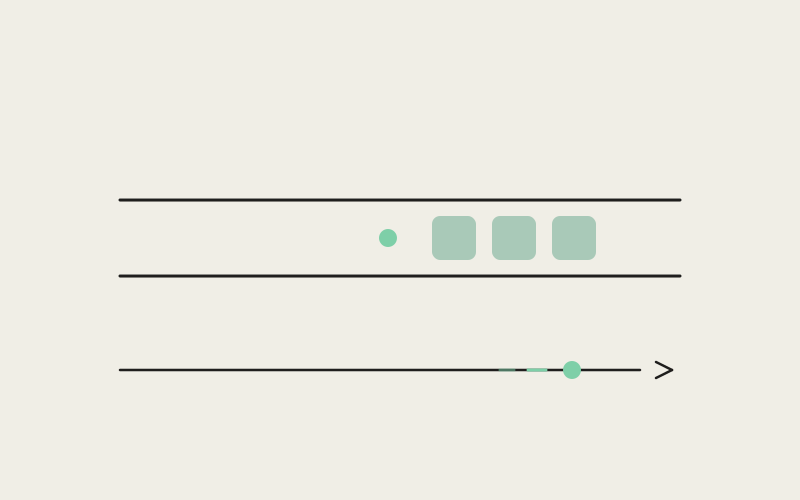
- An incremental output log: everything a session prints is also appended to a log file on disk as it happens, rotated with a cap around five megabytes per session, so there's a recent record of a session's output independent of the daemon's own in-memory state.
None of this is exotic by itself — terminal multiplexers have kept sessions alive after a disconnect for decades. The harder part is trusting what's on the other end of that reconnection, especially right around an update, and surviving a crash in the daemon itself.
"The moment you decide the daemon has to outlive the app, you've signed up for a much harder problem than 'keep a process alive.' You've signed up for that process being trustworthy across every version of the app that might ever talk to it again."
— Marcus Webb, Principal Systems Engineer at ETAPX
Recognizing a Daemon You Can No Longer Trust
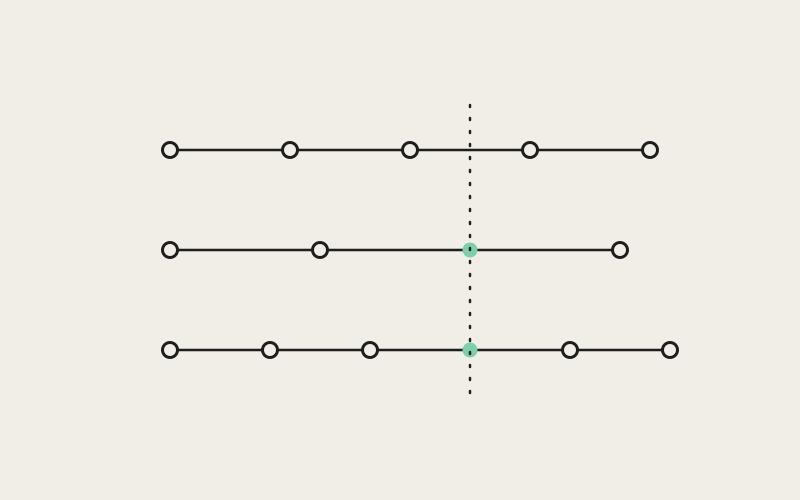
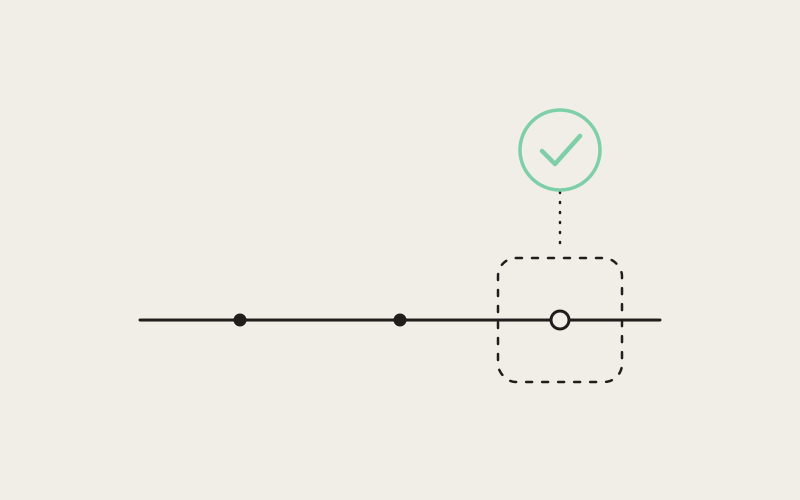
A daemon that outlives the app creates a failure mode that a daemon-less design never has to worry about: stale daemons. Update Influxx and, for a moment, there can be an old daemon process left over from before the update, still holding open the sessions it was hosting, with a new version of the app now running alongside it. If the new app just started sending it requests shaped for the new version, and the old daemon didn't understand that shape, you'd get exactly the kind of failure that's worst to debug — not a crash, just requests quietly mishandled because the two sides disagree about what a message means. We avoid that by having the daemon speak a versioned wire protocol to the app. Every time the app connects, it can tell what version of the protocol the daemon on the other end actually speaks. If that version is out of date, the app treats the daemon as untrustworthy for anything new and arranges for a fresh daemon to take over, rather than assuming compatibility and finding out later that it guessed wrong.
The Narrow Window Around an Update
Detecting an outdated daemon is just a version check. The harder question is what to do in the moments where a live daemon is reachable, already holding sessions you care about, but the app can't yet fully trust it to spawn brand-new ones — because, say, the app is mid-upgrade and a replacement daemon hasn't fully taken over. Treating that daemon as entirely unusable would tear down sessions that are perfectly fine. Treating it as fully trustworthy risks a new session landing on a process that's about to be replaced.
Influxx splits the difference instead of picking one. In that in-between moment, the app switches into a degraded mode: every session the reachable daemon is already running stays exactly where it is, fully alive and usable, while any new terminal you open gets routed to a temporary, local, in-process fallback instead of the daemon. The UI says explicitly that it's in this state, so a slightly different moment doesn't read as a bug. Once a new daemon is fully up and trusted, new sessions go back to being served by it and the fallback disappears. The whole point is an atomic swap of which process serves new work, without ever touching what's already running.
"I had an agent chewing through a dependency upgrade overnight, and Influxx updated itself at some point while I was asleep. I woke up half-expecting a dead terminal and a half-finished branch. Instead the session was just sitting there, scrollback intact, like nothing had happened."
— Priyanka Deshmukh, backend engineer and Influxx user
When the Daemon Itself Goes Down
Updates are a planned, orderly kind of disruption. Crashes aren't. If the daemon process itself dies — a bug, an out-of-memory condition, anything — the sessions it was hosting are gone in the sense that their processes are no longer attached to anything, but the record of what those sessions looked like doesn't have to die with them. This is exactly why every session's output is being written incrementally to a log on disk the whole time it's running, rotated with a cap around five megabytes per session rather than kept as one unbounded file. When a fresh daemon starts up after a crash, it doesn't have to start every session from a blank terminal. It can cold-restore a session's recent scrollback straight from that log, so the context from before the crash — what an agent was doing, what it had already printed, where things stood — is still there when you look at it again, instead of a blank pane and a shrug.
The Bug That Taught Us Who's Allowed to Answer
Keeping a headless emulator around for bookkeeping sounds safe until you look closely at what terminal programs actually send. Not every byte a program writes to a terminal is just something to display — some of it is a question the terminal is supposed to answer. A program can ask where the cursor currently sits, or what colors the terminal is using for its foreground and background, and it expects a real answer back on the same channel, because it's going to make decisions based on that answer. Exactly one side is allowed to answer any given query like that, and which side gets to answer has to be decided fresh for each chunk of incoming data as it arrives, not assumed once and forgotten.
Bookkeeping Is Not the Same as Truth
For a while, our headless daemon-side emulator was one of the sides allowed to answer. It seemed harmless — it's a real emulator with a real notion of cursor position, so why not let it respond? The problem surfaced when its answer and reality disagreed. The daemon-side emulator has no idea what colors your actual terminal renderer is using; it can only fall back to some generic default color scheme. When it answered a color query itself instead of deferring to the real, visible terminal actually being looked at, a running program could be told the wrong colors — plausible-looking, entirely wrong for what was on screen. That's a bad answer to hand a program that's about to make rendering decisions based on it.
The fix drew a simple line and held it: the headless emulator's only job is bookkeeping — tracking state so a session can be reconstructed later. It is never the source of truth for answering a query a real program is waiting on. If a visible terminal is there to answer, it answers. The daemon-side emulator doesn't get a vote.
"A background process that's only supposed to be doing bookkeeping has to be paranoid about not accidentally acting like it's the real terminal. The moment it starts answering questions on behalf of a renderer it can't see, you've built something that looks correct in testing and lies in production."
— Marcus Webb, Principal Systems Engineer at ETAPX
Why "Survives a Restart" Has to Be a Guarantee, Not a Hope
None of the individual pieces here are dramatic on their own: a background daemon, a version check, a fallback path, a log file with a size cap, a rule about who answers terminal queries. What they add up to is the difference between a feature we can describe in a release note and a guarantee we're willing to build a product around. The entire premise of running dozens of agents across dozens of worktrees is that you get to walk away — from your desk, from that version of the app — while they work. If that premise only holds until the next update or the next crash, it isn't really a premise, it's a hope. Pulling terminal hosting out of the application process, giving the daemon a version it can be honest about, and being exact about which side of the system gets to answer for a running terminal is what turns "should survive a restart" into "does."
Frequently Asked Questions
What happens to my agents if I just close the Influxx window?
Nothing happens to them. The terminal sessions, and whatever is running inside them — including any agent CLI — live in the daemon, not in the window you closed. Closing the window only disconnects the UI; the PTYs keep going. Reopening Influxx reattaches to the same sessions, scrollback and all.
Will updating Influxx interrupt a long agent run?
It shouldn't — that's the specific case this architecture covers. The app recognizes an outdated daemon through the versioned protocol they speak, and arranges for a fresh daemon to take over while a short-lived degraded mode keeps any already-running sessions alive through the transition. You might briefly see a notice that new terminals are being served locally, but nothing already running gets torn down.
What exactly is "degraded mode," and how would I know I'm in it?
It's the state Influxx enters when it can reach a live daemon but can't yet fully trust it to spawn brand-new sessions, most often for a few moments around an update. Everything already running stays fully alive and usable. Anything you open during that window runs on a temporary, local, in-process fallback instead, and the UI tells you explicitly, so it doesn't read as a bug. It resolves itself as soon as a trusted daemon is back in place.
What happens if the daemon crashes outright, not because of an update?
Every session's output is written incrementally to a log on disk, capped and rotated at roughly five megabytes per session. If the daemon dies unexpectedly, the next daemon that starts can cold-restore a session's recent scrollback from that log, so you get a session with its history intact instead of a blank pane.
Does running a full terminal emulator per session cost a lot of memory or CPU?
Less than it sounds like, because the daemon's emulator never renders anything — it only tracks cursor position, scrollback, and terminal modes. That's bookkeeping, not pixels, and it's a fraction of the cost of an emulator that's actually drawing to a screen, which is what makes it reasonable to run dozens of them at once across however many worktrees you have open.
Can a program I'm running get confused about cursor position or colors because of this architecture?
That's a real risk we had to guard against, and at one point got wrong: the daemon's headless emulator would sometimes answer a terminal's color or cursor queries itself, using generic defaults, instead of deferring to the visible terminal you were actually looking at. We fixed it by making the rule absolute — the headless emulator only ever does bookkeeping and is never allowed to answer on a real terminal's behalf. That decision gets made fresh for every chunk of incoming data, and the visible terminal wins whenever it's present.
None of this shows up as a feature you'd tap on. It shows up as the absence of a bad moment — the update that lands mid-run without incident, the crash that costs you nothing but a few seconds, the laptop lid you close without a second thought. That's the point: running your CLIs and your notes in one cockpit only matters if the work underneath keeps going when you're not looking at it.