An SSH session gets you a prompt on a remote machine. It does not get you a synced file tree you can edit, a git status that updates as agents work, or three coding-agent terminals running in parallel against the same checkout. Influxx's SSH Worktrees feature exists because running Claude Code, Codex, or a dozen other agent CLIs against a machine you're not physically sitting at needed to feel like working locally, not like typing blindly into a shell and hoping nothing broke while you weren't watching. Getting there meant rethinking what a single SSH connection can carry at once, rewriting the code that owns a remote session's lifecycle, and fixing a genuinely nasty bug where a large file transfer could freeze your typing for seconds at a stretch.
A Remote Shell Was Never the Goal
Plenty of developers already reach for a remote machine before their laptop: a build server with the right toolchain and a warm dependency cache, or a cloud instance with more CPU than a laptop has. Running one coding agent there is a solved problem — SSH in, run the tool, watch the output scroll by. Running Influxx's cockpit there is different, because its premise is that you're not running one thing in one terminal — you're running several agent CLIs at once, each in its own isolated git worktree with its own terminal, able to read and write files and report git status to the sidebar, all identically whether the worktree lives on the drive next to your keyboard or on a server in another building.
A plain SSH shell gives you exactly one of those things: a terminal. It doesn't give an editor a way to open a remote file, a sidebar a way to show a remote git status, or a second agent a way to get its own terminal without opening a second raw connection and authenticating all over again. SSH Worktrees had to close that gap without turning "connect to a remote machine" into "manage five different kinds of remote connection by hand."
One Relay, One Channel
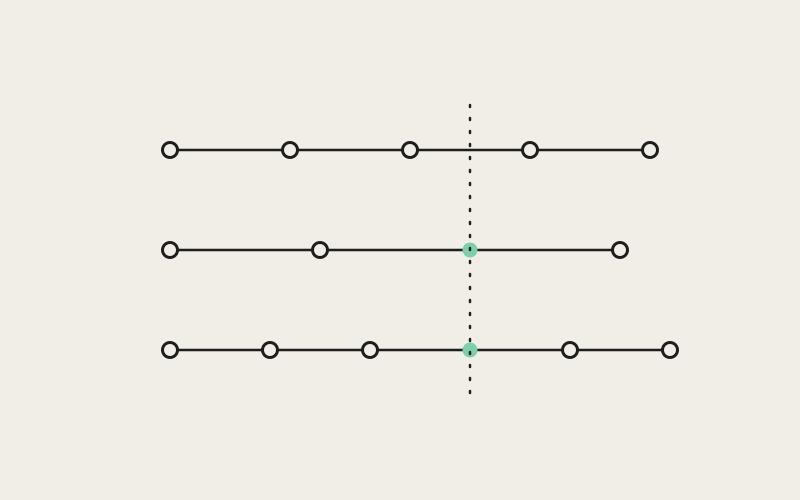
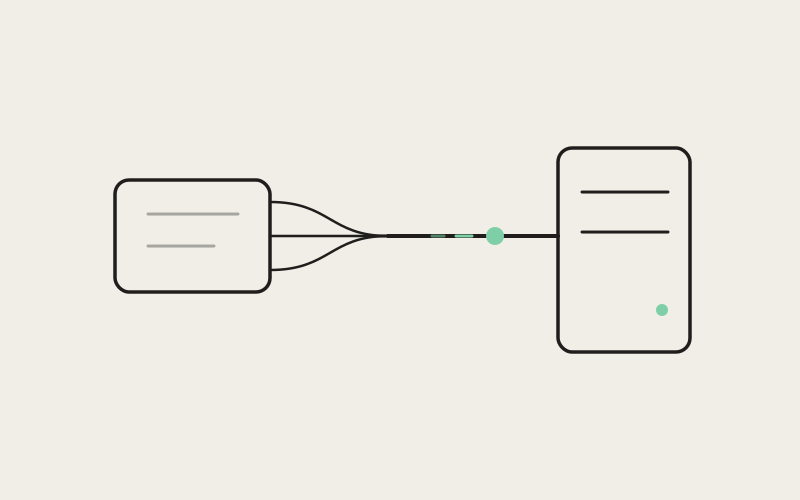
We built something more involved than opening a shell and leaving it open. When you connect to a remote target, Influxx uploads and runs a small relay program on that machine. From then on, everything the cockpit needs from the remote side rides over a single JSON-RPC channel multiplexed on top of that one SSH connection, instead of a separate connection for each kind of operation:
- Terminal input and output for every agent CLI running against the worktree.
- Git commands — status, diff, log, whatever the sidebar and the agents need — issued against the remote checkout.
- Filesystem access, so a file can be opened, edited, and saved on the remote machine as if it were local.
- Port-forwarding control, for reaching a dev server or another service on the remote host from your local browser.
The alternative — one connection per concern — sounds reasonable until you picture what a single remote worktree needs happening at once: a terminal an agent is typing into, a file listing refreshing in the sidebar, a git status recalculating, a forwarded port serving a dev server into your browser. Four independent connections means four independent reconnect strategies, each a fresh way for the pieces to drift out of sync when the network hiccups. Consolidating it all onto one relay process and one multiplexed channel means there's a single place that owns a remote session's lifecycle — connect, reconnect, tear down — instead of five separate parts of the app each managing their own sliver of connectivity to the same machine.
"A remote worktree isn't one feature, it's five — a terminal, a filesystem, git, a port forward, and reconnection logic, all pointed at the same machine. If each of those owns its own connection, you don't have one feature with five parts, you have five features that happen to share a hostname. We wanted exactly one thing on our side that could answer 'is this remote session alive right now' and mean it."
— Marcus Webb, Principal Systems Engineer at ETAPX
What Five Maps and Three Code Paths Taught Us
That single-owner design isn't how we started. An earlier version tracked remote connection state across five separate module-level maps, with connect, reconnect, and cleanup each implemented as its own code path — three of them, not quite identical. Each path, read alone, looked reasonable; the problem lived in the gaps between them. One path would correctly tear down a listener when a session ended, while another — reconnecting after a dropped connection rather than closing cleanly — would skip that same step, because "tear down this session" had been written three separate times, each with a slightly different idea of what tearing down meant.
That's a hard bug class to catch in review, because nothing in any single path is wrong on its own — it only surfaces when the three paths are lined up side by side and disagree. The rewrite collapsed connect, reconnect, and cleanup into the relay-and-single-channel design specifically to remove that disagreement: there's one thing that owns a remote session's state, so there's one place "tear this down correctly" gets implemented, not three.
A Persistent Service, Not a One-Off Command
The relay program itself is versioned software, not a script that runs once and vanishes. When Influxx connects to a remote target, it checks whether the relay is already installed and probes its version. If the remote machine is missing a native dependency the relay needs, Influxx falls back to a build-toolchain path that compiles the relay fresh on that machine rather than failing outright. And because versions accumulate as Influxx updates over time, stale old builds get garbage collected on the remote host instead of piling up indefinitely.
Put together, a remote SSH target you point Influxx at effectively ends up running a small persistent service of its own — installed, versioned, upgraded, and cleaned up over its lifetime much like anything else you'd manage on that box, rather than something reinstalled from scratch on every reconnect.
The System SSH Fallback
Worth a brief mention: Influxx's default SSH transport is a JavaScript SSH implementation, not a wrapper around your system's ssh binary. Some authentication setups can't go through a pure JavaScript client, though — a FIDO2 hardware security key, or an existing OpenSSH ControlMaster connection-sharing setup — so for those cases, Influxx falls back to spawning your actual system ssh binary instead. It's a small design choice, but the kind only made after watching real developers connect to real machines with real, occasionally unusual, SSH configurations.
"I stopped caring which machine the worktree actually lives on. I point Influxx at our build server, three agents start working against the real toolchain instead of my laptop's approximation of it, and when my Wi-Fi drops on a train, I come back and the terminals are still there instead of me having to re-authenticate five different tools by hand."
— Jordan Ellis, Senior Infrastructure Engineer at a logistics-software company
The Night a 10MB File Preview Froze Every Keystroke
The relay-and-channel design solved the lifecycle problem. It didn't automatically solve performance, and one bug in particular made that clear. Terminal (PTY) output and bulk data — a large file being read for a preview, a big git diff being streamed back to the sidebar — originally shared a single ordered channel. Ordered means exactly what it sounds like: whatever got queued first got sent first, with everything behind it waiting its turn, no exceptions.
That's fine when everything moving through the channel is small; it falls apart the moment something isn't. A file preview around 10 megabytes could queue millions of bytes of data ahead of a single keystroke's echo sitting right behind it. The team measured the effect directly: typing responsiveness would freeze for seconds at a time whenever unrelated bulk work — a large file preview, an agent streaming a large diff — ran in the background on the same connection. You'd press a key and watch nothing happen long enough to wonder if the session had died.
Two Lanes, One Connection
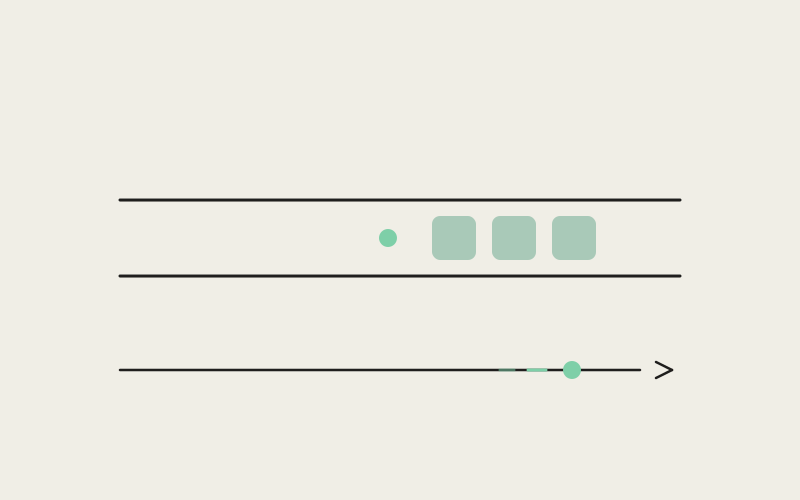
We split traffic into two effective priority lanes over the same relay connection, rather than standing up a second physical connection:
- A bulk lane for large transfers, which respects backpressure properly — it waits for the receiving side to signal "I'm ready for more" before sending further data, instead of writing as fast as the connection allows, paired with a credit-based flow-control window that caps how many bytes of bulk data can be in flight at once, at roughly one megabyte.
- An interactive lane for terminal data, which is admitted immediately and effectively jumps ahead of anything queued in the bulk lane.
The result is that a keystroke's echo is never stuck waiting behind an unrelated large file transfer. The bulk lane still gets its megabyte of data moving at a time — it just never gets to cut in front of the interactive lane to do it.
"Backpressure sounds like a networking footnote until you're the keystroke stuck behind it. The fix was never about making the connection faster — bandwidth was never the bottleneck. It was refusing to let a ten-megabyte file get a multi-second head start over a keystroke just because they both happened to be queued on the same wire. We cap the bulk lane at roughly a megabyte of credit in flight at any moment, and interactive traffic gets to cut in front of it every single time."
— Marcus Webb, Principal Systems Engineer at ETAPX
The Quadratic Decoder Nobody Noticed
The same investigation turned up a second, related problem in how incoming data frames got decoded off the wire. For every new chunk that arrived, the decoder rebuilt its buffer by re-concatenating everything it already had with the new chunk — a pattern that scales quadratically with how much data is already buffered, since each new chunk means copying the entire buffer again rather than simply appending to it. Processing a single 10-megabyte file transfer could burn through roughly 80 megabytes of unnecessary memory copying from that alone. We fixed the decoder to stop re-concatenating on every chunk, and the overhead disappeared entirely.
What We Didn't Fix (Yet)
The bulk lane and the flow-control window fixed the common case: lots of small-to-medium operations layered on top of someone typing. They didn't fix every case, and we'd rather say so than let people find out the hard way. A single message that's genuinely large on its own — bounded by an overall maximum message size of roughly 16 megabytes — still gets sent as one atomic chunk on the wire. One enormous git-diff response, for instance, can still delay the next keystroke's echo by roughly its own transfer time, since that message can't yet be broken into smaller pieces mid-flight.
Fixing that residual case properly means teaching the protocol to chunk data within a single logical message, not just prioritizing between separate messages the way the two lanes already do. That's a deeper change than the lane split was, and we've deliberately held off on it rather than ship a rushed version that half-solves it. It's a known, bounded gap, not an open-ended problem we're pretending is closed.
Frequently Asked Questions
Do I need to install anything on the remote machine myself?
No. Influxx uploads and runs a small versioned relay program on the remote machine automatically, checks for the native dependencies it needs, and falls back to building it from source if a prebuilt version isn't available. Installing, version-probing, and cleaning up old versions all happen without a manual setup step on your end.
What happens if my SSH connection drops mid-session?
Because reconnect and cleanup are handled by one lifecycle owner rather than several independent code paths, Influxx tries to reattach to the same relay session — terminals, file access, git state — once the connection comes back, rather than treating a dropped Wi-Fi network or a suspended laptop as five separate failures you have to sort out by hand.
Will opening a huge file or a big git diff freeze my terminal?
Ordinary large-file and diff traffic runs through a bulk lane kept separate from terminal traffic, so it no longer blocks typing. The unsolved case is a single message near the protocol's maximum size, around 16 megabytes, such as one enormous git-diff response — still sent as one atomic chunk, which can briefly delay the next keystroke's echo. It's a known, deliberate gap pending a deeper protocol change, not something we consider closed.
Does this work with hardware security keys or ControlMaster connection sharing?
Yes. Influxx's default transport is a JavaScript SSH implementation, but for methods it can't handle alone — FIDO2 hardware security keys, or an existing OpenSSH ControlMaster setup — it falls back to spawning your system's actual ssh binary, so your existing configuration and hardware keys keep working.
Can I run more than one agent against the same remote worktree at once?
Yes — that's the point of routing everything through one multiplexed channel instead of a plain shell. Multiple terminals, file access, and git operations for the same worktree all ride the same relay connection, so several agent CLIs can work in parallel on one remote checkout without opening a new connection for each.
Why not just SSH in directly and run a terminal multiplexer?
You can — Influxx doesn't stop you. But a raw shell only gives you a terminal: no synced file tree, no structured git status, no coordinated port forwarding, no shared reconnect logic if the network drops. SSH Worktrees gives a remote worktree the same footing as a local one inside Influxx's cockpit — full file editing, git, and real terminals side by side — instead of a prompt you type into blindly.
None of this — the relay, the single channel, the priority lanes, the decoder fix — is meant to be invisible when it's working. That's the point. A remote worktree is supposed to earn the same footing as a local one: full file editing, real git, real terminals, and typing that responds the instant you press a key, no matter which machine does the work. Where that's not fully true yet, as with the largest single messages, we'd rather describe the boundary honestly than pretend it isn't there.